Which employee identifier belongs on the statement?
Labor Code section 226 permits the last four SSN digits or a non-SSN employee ID. Do not put a full Social Security number on the statement.
California Paystub Resource
A California pay stub is an itemized wage statement showing how earnings, deductions and take-home pay were calculated. Prepare it from authorized payroll records, then review the fields required for your worker and pay arrangement before sharing it.
Start My California Paystub →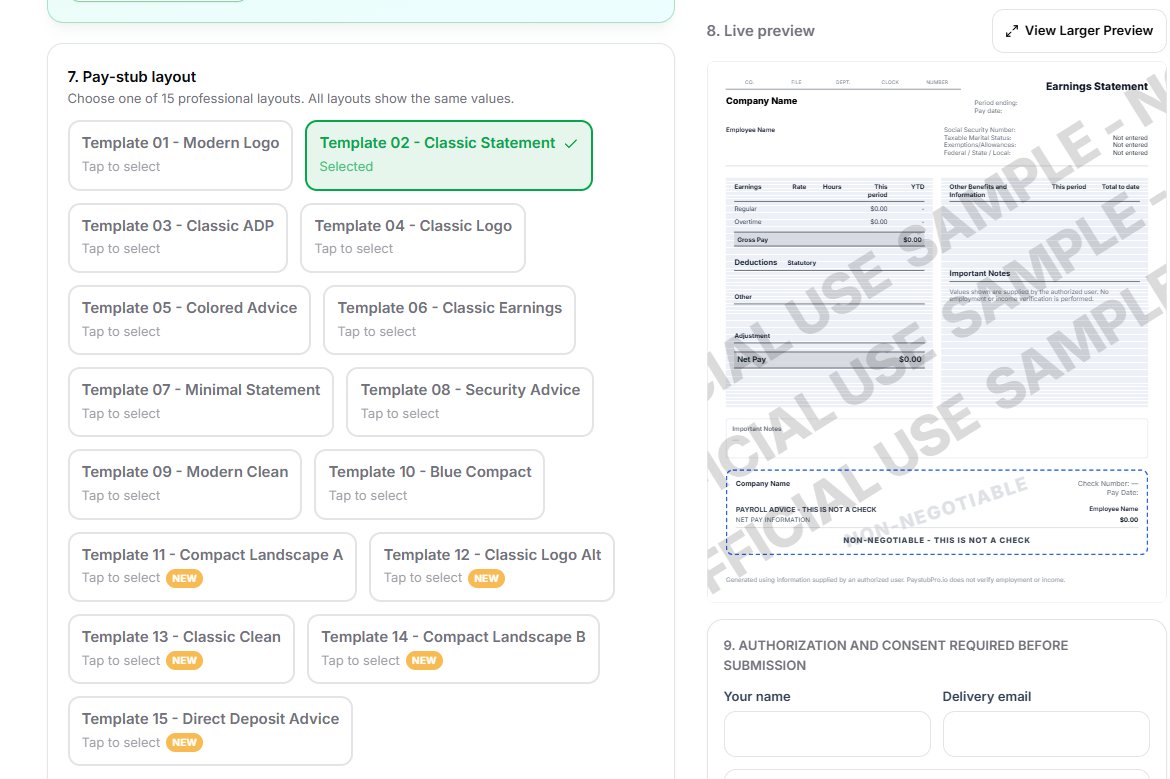
California requires detailed itemized wage statements. Accurate employer identity, employee identity, pay-period dates, earnings, deductions, net wages, hours, and applicable rates may all matter depending on the worker and pay arrangement.
Choose a layout that presents payroll information clearly. A template is a formatting aid—not a substitute for accurate source records or state-specific legal review.
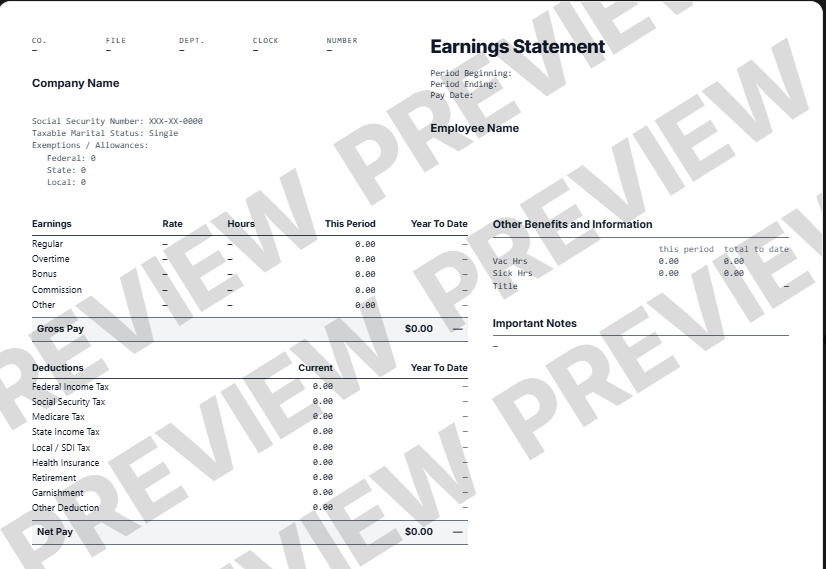
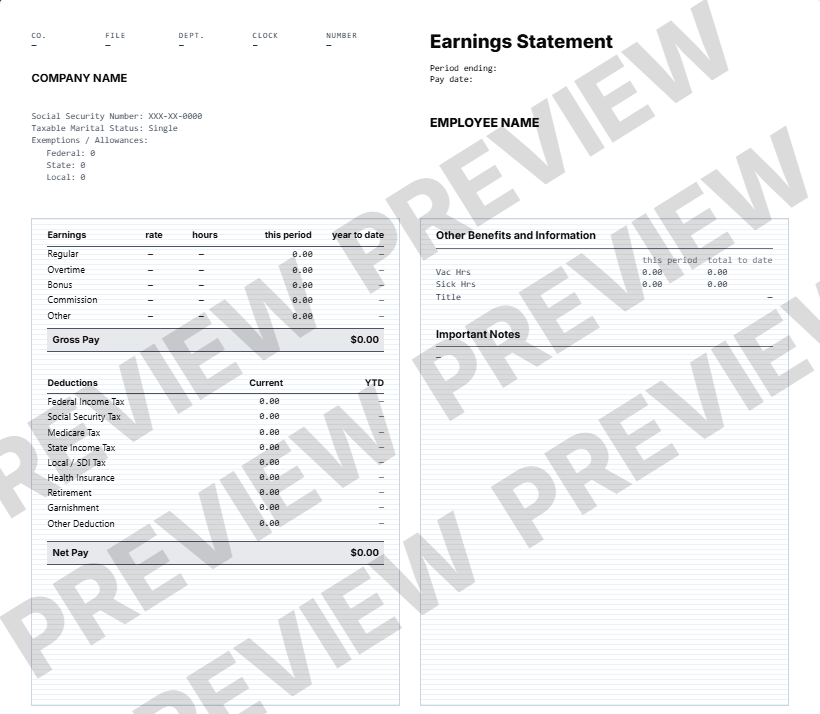
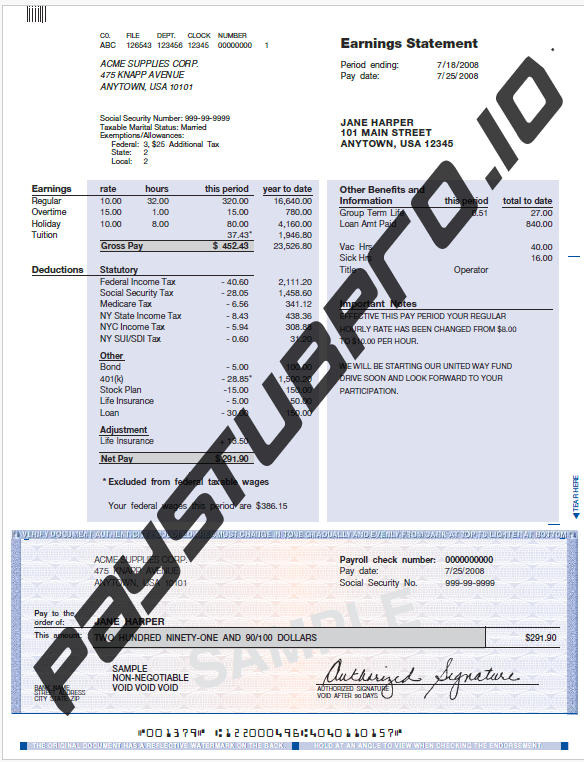
Labor Code section 226 permits the last four SSN digits or a non-SSN employee ID. Do not put a full Social Security number on the statement.
Section 226 includes hours-reporting exceptions, including certain salaried overtime-exempt employees. A salary by itself does not establish that an exemption applies. Check the worker’s actual classification.
Ask the employer or payroll provider for the original record. Section 226 gives covered current and former employees inspection/copy rights and generally requires a response within 21 calendar days.
Fictional arithmetic example: 32 hours at $25 plus 8 hours at $30 produce $1,040 in gross earnings. If verified payroll deductions total $210, net pay is $830. Show each rate with its corresponding hours so the reader can reproduce the gross total. This example does not calculate taxes or determine overtime entitlement.
PayStubExpress provides 18 layouts and editable payroll fields. The current interface labels state and local withholding as manual amounts. Enter verified payroll results; choosing California does not establish that all state calculations or legal requirements have been handled.
Source review: September 2, 2026. Prepared by W2Paystub. This checklist is a starting point; section 226 contains additional requirements and exceptions.
Read California Labor Code section 226
What information belongs on a pay stub?
Bring accurate payroll details into PayStub Express, choose your preferred template, and verify every field.
Create My Paystub Now →Educational information only, not legal, tax, payroll, lending, employment, or accounting advice. Laws and agency guidance change. Confirm current requirements with the relevant government agency or a qualified professional. Use only accurate information you are authorized to provide.